Site Wizard can create a professional site in minutes.
Choose from many existing site templates or import your own.


Our site wizard is a simple way to get a professional website
Simply click on the wizard, enter your company details into the form provided and your information will automatically populate the pre-designed website template of your choice, giving you a quality website in minutes. You can choose to use this website, change the template, or tweak it to your hearts content, our system is accommodating and easy to use.
There are a number of pre-designed site templates included in the base system.
To try the site wizard out for yourself you can use the existing demo system or create a new system by registering for a free trial.
Step 1: Navigate
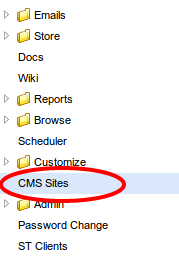
Click on the site wizard from within the "CMS Sites" menu.
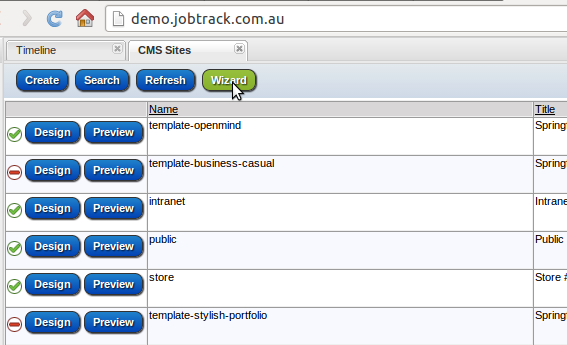
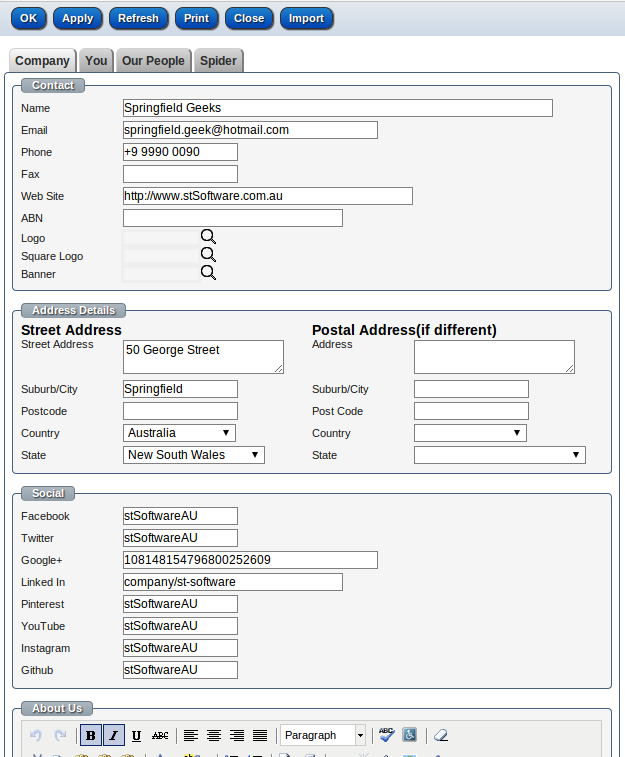
Step 2: Company details
Enter your company details.
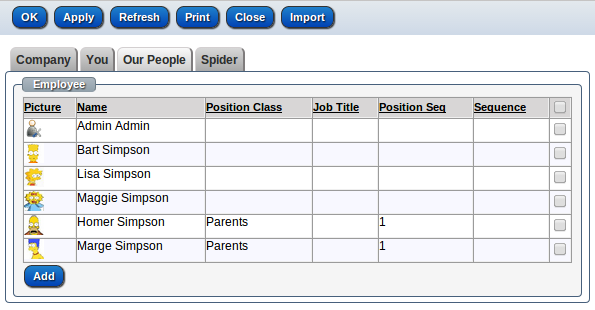
Step 3: Employees
Add the people in your company
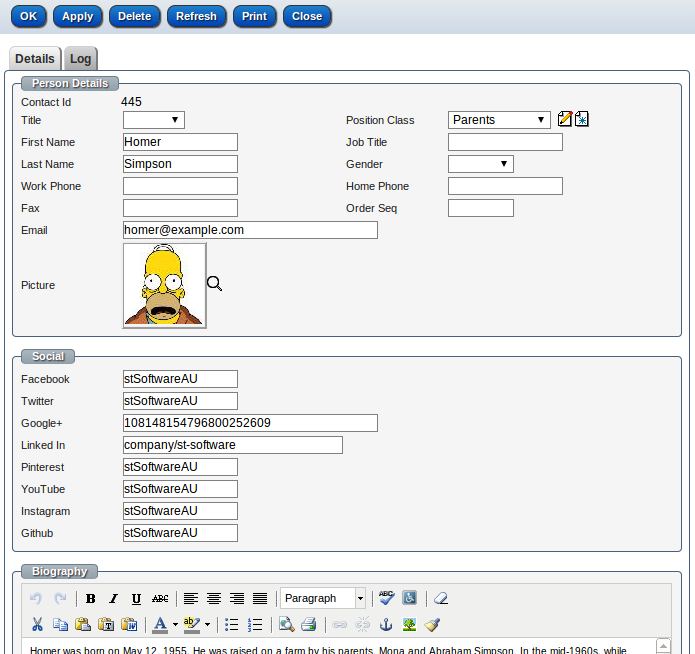
Step 4: employee details
Enter each individual's personal details and click "OK".
Step 5: Choose
Return to the CMS Sites and choose a template by clicking "Preview", this will open the template site in a different tab of your browser.
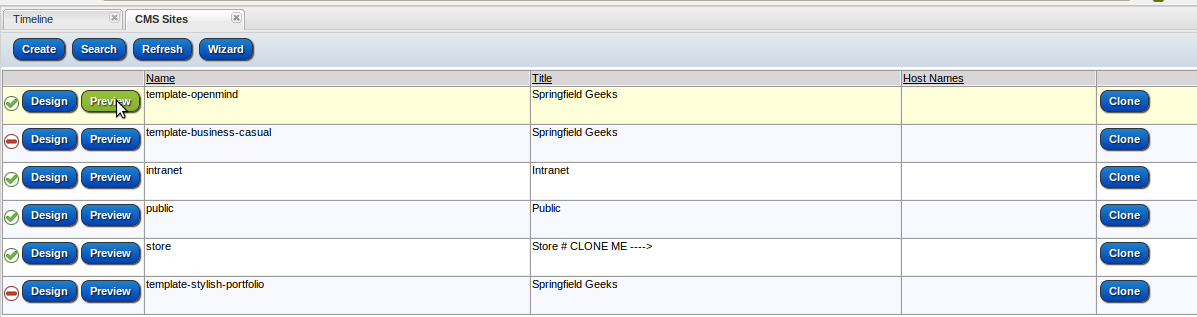
Step 6: Clone
Once you've decided on a template, click "Clone" on the chosen template, change the site name and save by clicking "Apply" or "OK".
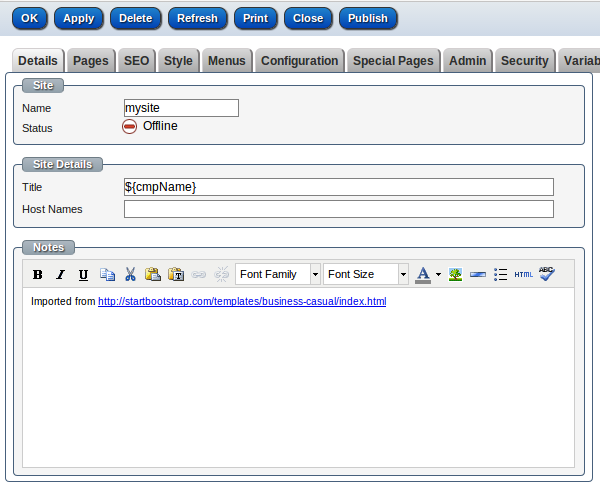
Step 7: Publish
You can change the design of the new site by clicking "Design", once you're happy with your new site open the site by clicking anywhere on the row and click on "Publish" and then confirm. Your new site is now live. The system can have multiple live sites and one default site which is configured under the menu "Admin/Settings" in the tab "Database"
Choose your next step
To find out more about the stSoftware CMS, view this demo or check out the FAQs.
If you’d like to get started, call us on 1300 78 73 78 or sign up for a free 30-day trial.