What is the new Timeline module?
The Timeline module is a clever combination of sliding graphs and map to visualise your events, tasks or sales opps.
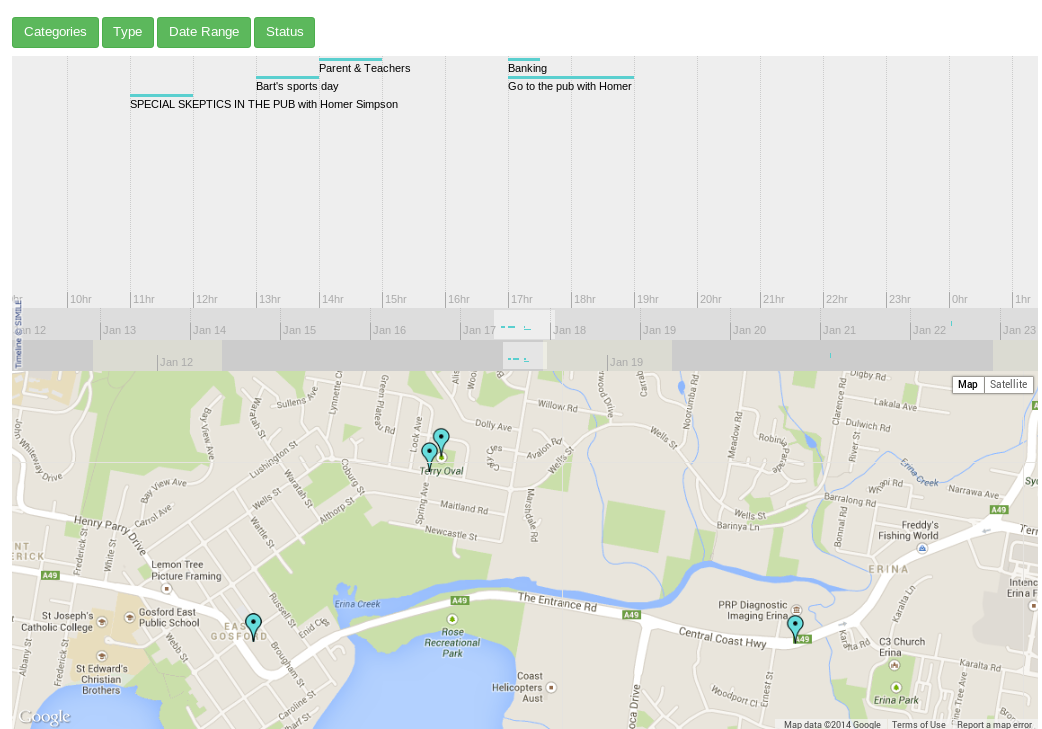

Timeline is more than a graphical representation of your JobTrack data, it is interactive allowing you to link back to the item with a click to see the full details, edit and add details.
Select from the filters to change the date range and items displayed according to type, category and status. Items are tasks, events or sales opportunities which have been entered and scheduled to a day and time. You'll see items in timeline bands with a colour line representing their scheduled time and duration. The items you can view on the timeline bands are displayed on the Google map by markers. Click on the item in the timeline band to see a summary above the marker which is also a link to the item. Click on the item summary link to open the item. You can also click on any marker on the map to see the item summary.
There are 3 Timeline Bands;
Hours, Days, Months.

Timeline has 5 filters;
- Categories
- Type
- Date Range
- Status
- Assign To
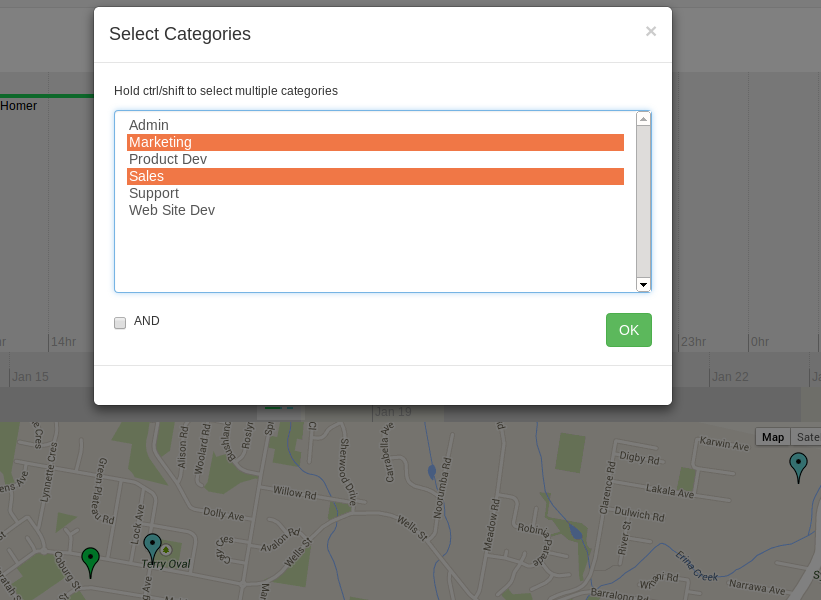
Categories Filter;
Select multiple Categories to filter your events, tasks, sales opportunities or jobs.
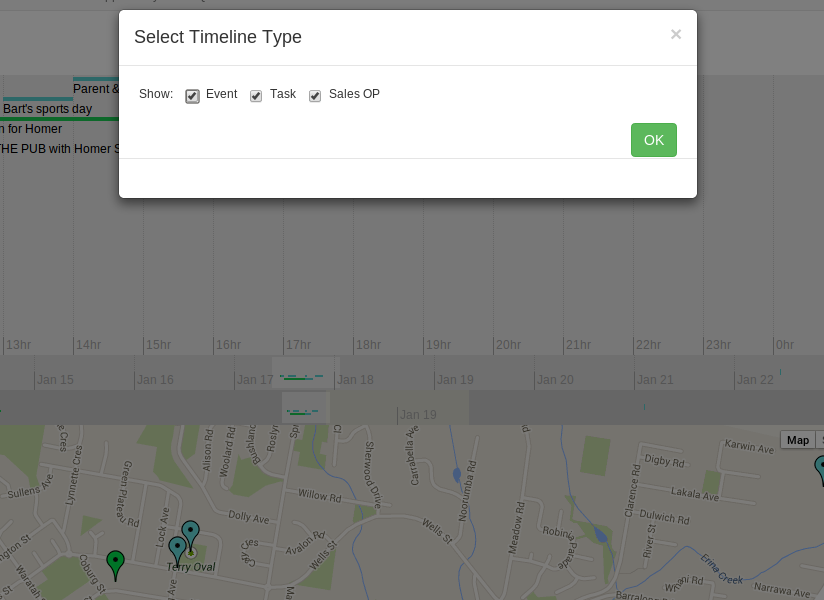
Type Filter;
Select multiple Types to show events, tasks, sales opportunities or jobs.
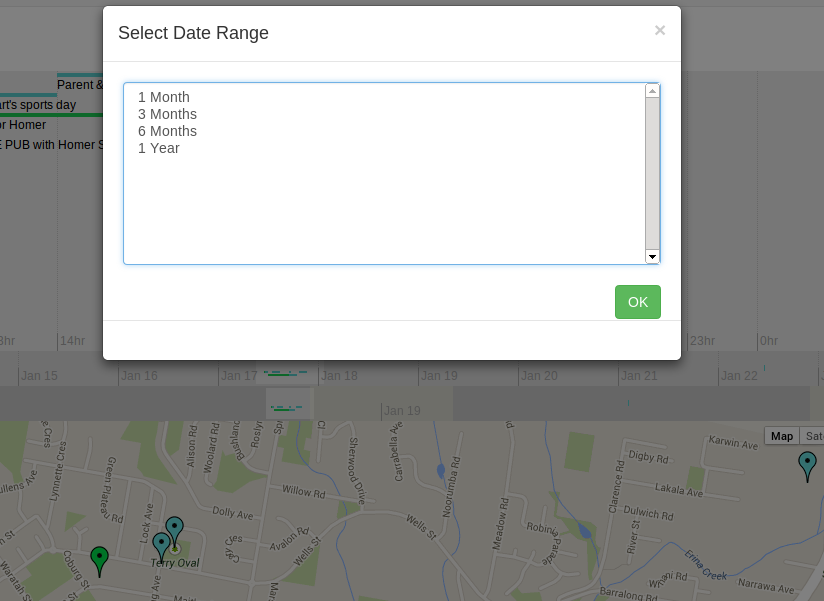
Date Range;
Select one of the Date Ranges to display that range of dates in the Timeline.
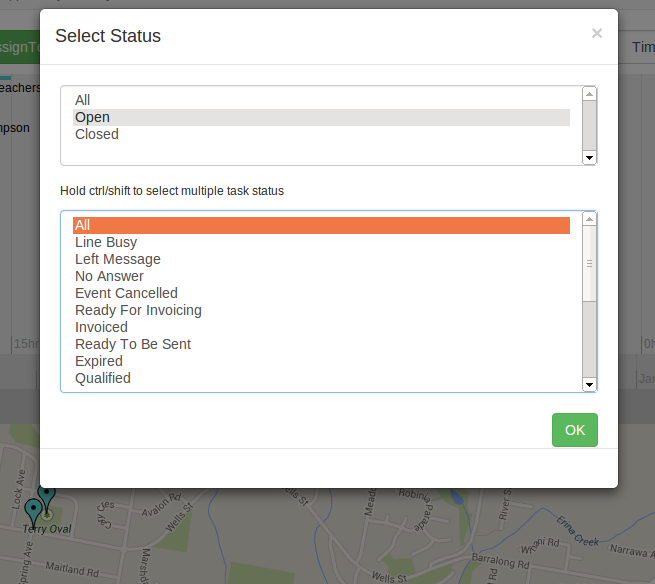
Status Filter;
Select to show All, Open or Closed items. Or select one or more task status to show
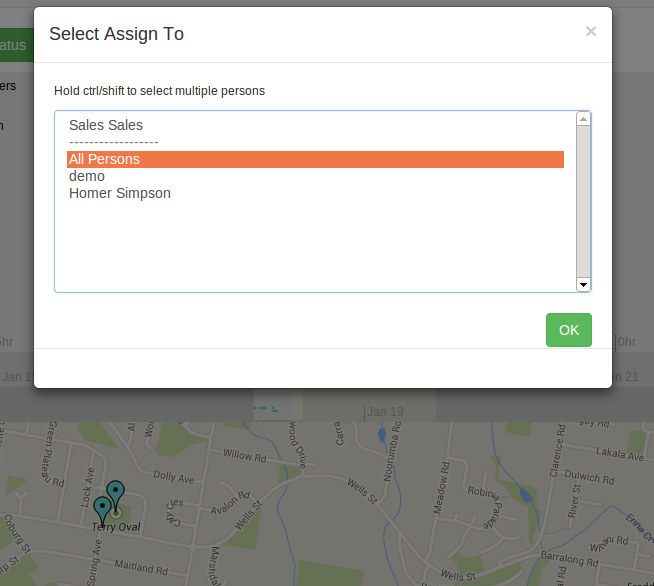
Assign To Filter;
Select to show items assigned to one or more persons.
Timeline Tips! Try these out;
- In the Google map, double click the left mouse button to zoom in, double click the right mouse button to zoom out
- In the Categories, Type and Date Range popup, you can use Esc (on the keyboard) hot key to close the popup
- In the Categories selection, hold Ctrl key to select or un-select items, hold Shift key to select a set of items
- Double click the Timeline Band to jump to that date/time (this is my favourite tip!)
- Scroll the mouse wheel to move the time forward/backward when the mouse is hovered over a Timeline Band
Take a free trial and try out the Timeline module, experiment with showing only a small number of filters and then add filters. Enjoy this new module and send us your feedback