Recent Posts

    Authors

    Published

    Tag Cloud

    301 302 404 accessibility accounts ACLs advertising aggregation Agile Analytics android APP Article attachments awards backup BCM beta browser business continuity Calendar case-study categories Chrome citigroup cms codes coding standards Complaints contact management software control panel crm CSS customer management software customer relationship system customize database DataModel DDoS demo design designer device compatibility difference distribute a published article via email DND DNS documents drag & drop Editor email EOL erp event Excel featured feeds file manager file sharing file volume Firefox Firewall HA hack Handlebar how-to HTML HTML5 HTTP HTTPS iCal IE Instructions intranet iOS iPad Java JavaScript JDBC JDK Jenkins Job Track Journal JSON JVM landing-page launcher layered database layout logging login mac marketing menu meta Microsoft Outlook mobile module modules mustache navigation NTLM offline page painter password passwords PCI policy poll pricing privacy PROXY publish publisher publsher PWA redirect Redundancy release release-notes Report Tool Reports Responsive ReST RESTFul Rich text RSS Safari sandbox sanity schedule scrum search security SEO sessions setup shipping site builder source spell SQL Injection SSL SSO standards store stSoftware support survey Swagger Task template testimonial Threads timezone tinyMCE Transaction Search trigger twitter twitter bootstrap Ubuntu unit tests unsubscribe URL validation WC3 AAA web folders web services webdav windows 8 wizard workflow WYSIWYG XLS XLST XML XPath XSS

    How do I send out event invitations?

    Sending an event invitations to your contacts is easy

    Create a new event.
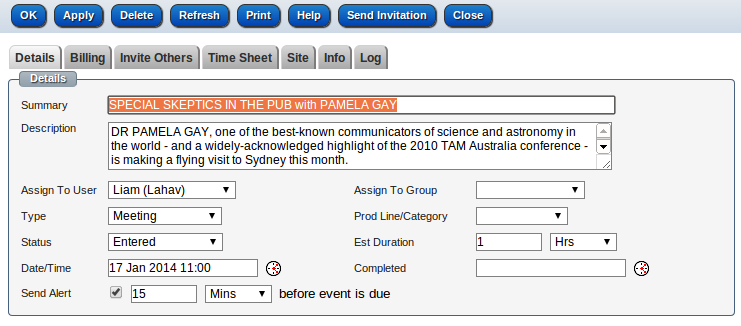
    Event

    Invite your contacts by selecting the tab 'Invite Others'

    Invite Others


    Send the invitation via email 

    Press the button "Send Invitation" to create an email populated with your contacts.

    The email opens up with a pre defined template that can be changed.
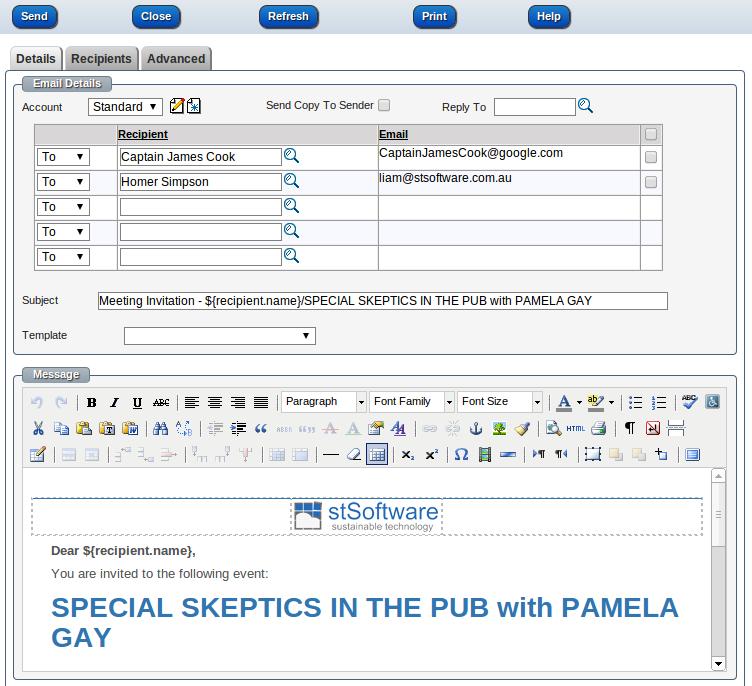
    email screen


    Sample invitation

    Your contact will receive an email that contains the options to accept your invitation or reject it.
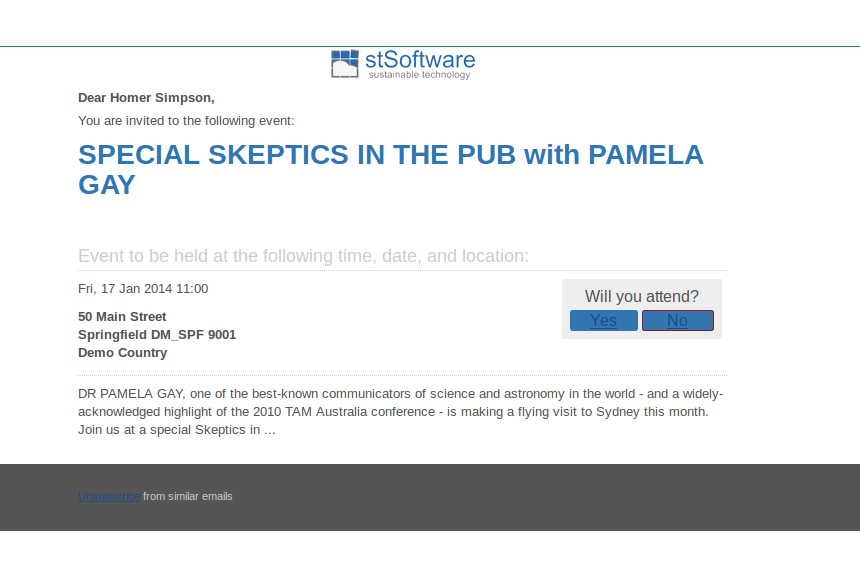
     Email

    When the recipient presses "accept" or "reject" links on your invitation, the system will update the the attendee confirmation status. 

    The recipient will be shown the response page below, which can be customized as normal in the CMS module (public site)
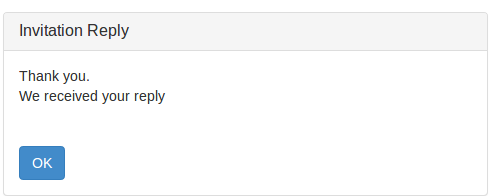
    Reply