Article creation, editing and publishing
'List Articles' is a screen that gives you a complete view of your articles and allows you to edit, review and publish them.

Overview:
Article creation couldn't be easier with stsoftware, our system allows you to create your articles on-site and takes care of the formating for you so all you have to be concerned with is the content of your website. The system has built-in checks and balances making quality control easy, all changes made to an article can be seen and reverted if need be and any new content can be put up for review without being published.
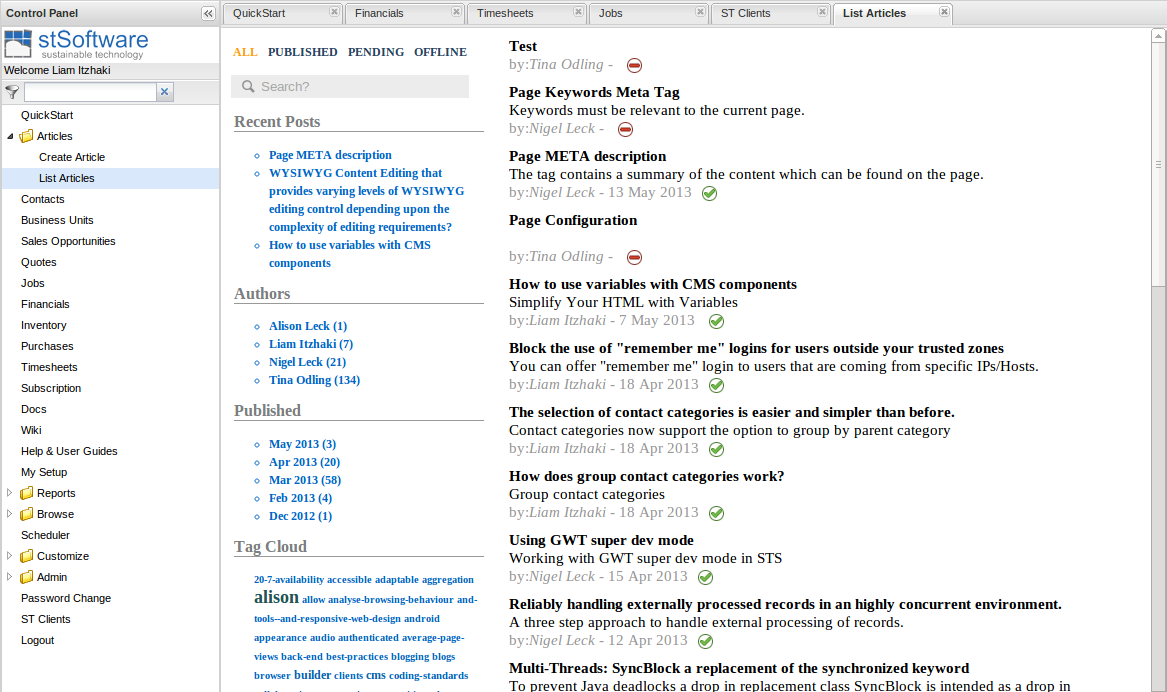
Top left sections:
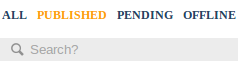
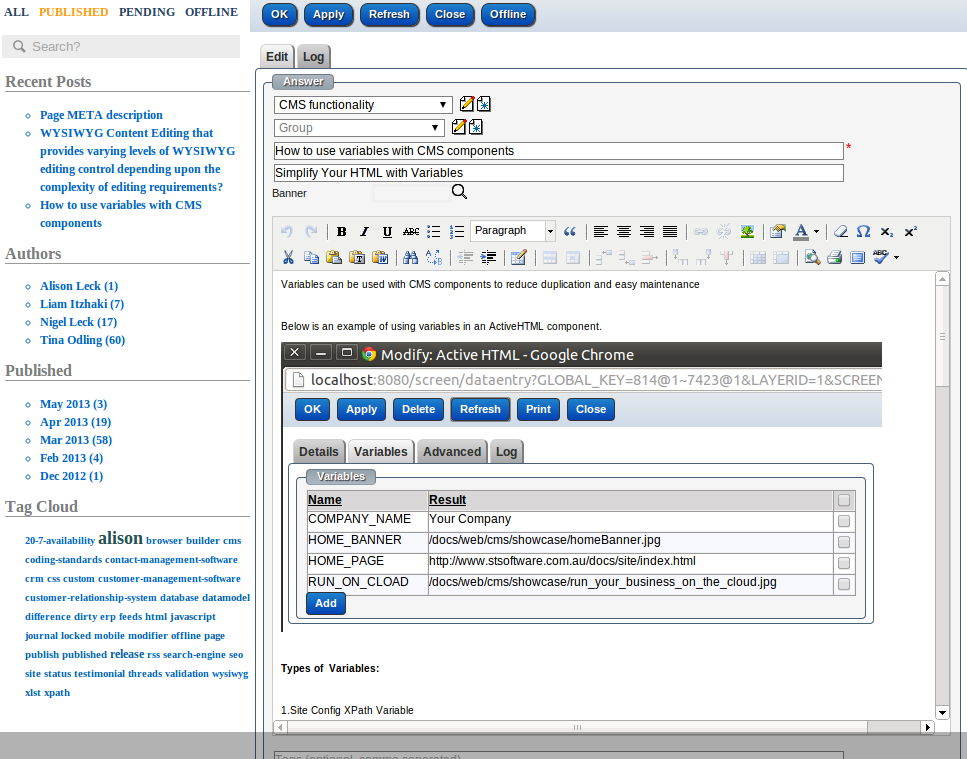
There are 4 quick filters and a keyword search for easy viewing of the list of articles;
- ALL - view all articles.
- PUBLISHED - view only published articles.
- PENDING - view only pending articles - these are published articles which have been changed but the changes haven't been published yet.
- OFFLINE - these articles are offline.
- Key word search for articles takes account of the selected type (All,Published,Pending,Offline).
Left side sections:
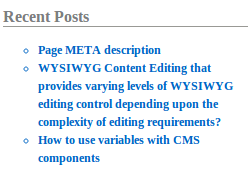
- Recent posts - is a list of latest published articles
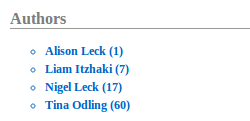
- Authors - groups articles by authors name and shows in brackets the current number of articles.
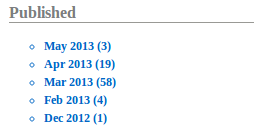
- Published - groups articles by published month and the number of published articles.
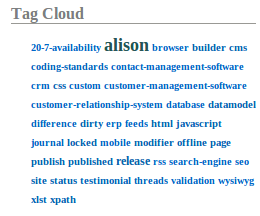
Group articles by tags:
The size of the tag indicated the number of articles that use this tag. The bigger the tag means more articles use this tag.
Edit, review and publish an article:
When you click on an article it will open the data entry screen so you can edit, review and publish it.
\
Reports / Searches
-
Keyword Searches - give you the power to search many fields from the one search box
-
Simple Searches – search by multiple fields and select from pre-configured layouts
-
Advanced Searches – search by multiple fields and multiple criteria, assign sort field, name and save as a permanent report
Standard Reports - every module has standard reports created by users with appropriate access and from the base software.
Jasper Reports - can be designed and uploaded for more complex reports
External Reports - tools such as Open Office or Excel can be used to generate reports via JDBC or ReST web services
Automated Reports / KPI's – reports can be automated according to business rules and delivered directly or via links in email or sms via alerts